Skip to content
IP Office Assistance

Help with my Avaya IP Office

  • ACR Videos
  • IP Office Features
  • Tips & How To’s
  • 9.1 Demo’s
    • Basic Lync Integration
    • Soft Console
    • Web Manager
    • Web Collaboration
  • Videos
    • IPOCC Demo
    • R9 Park N Page
    • Preferred Mobility
      • VoIP
      • Chat
      • Contacts Directory
      • Conferencing
      • Call Handling
    • Phone Use
    • Install IPOA
    • 1X Portal
    • ERS Switch setup
    • IP Office Manager
    • IP Office Softphone
    • Lync Settings
    • Lync Call Control
    • Server ED Web Manager
    • CCR Demo
    • IP500 Web Management
  • Live IPO Support
  • ACR Videos
  • IP Office Features
  • Tips & How To’s
  • 9.1 Demo’s
    • Basic Lync Integration
    • Soft Console
    • Web Manager
    • Web Collaboration
  • Videos
    • IPOCC Demo
    • R9 Park N Page
    • Preferred Mobility
      • VoIP
      • Chat
      • Contacts Directory
      • Conferencing
      • Call Handling
    • Phone Use
    • Install IPOA
    • 1X Portal
    • ERS Switch setup
    • IP Office Manager
    • IP Office Softphone
    • Lync Settings
    • Lync Call Control
    • Server ED Web Manager
    • CCR Demo
    • IP500 Web Management
  • Live IPO Support
  • IP Office

    IP Office Release 12.1

    IP Office Release 12.1 went GA on December 5, 2024 and here’s…

  • Log into multiple hunt groups Avaya IP Office
    IP Office Uncategorized

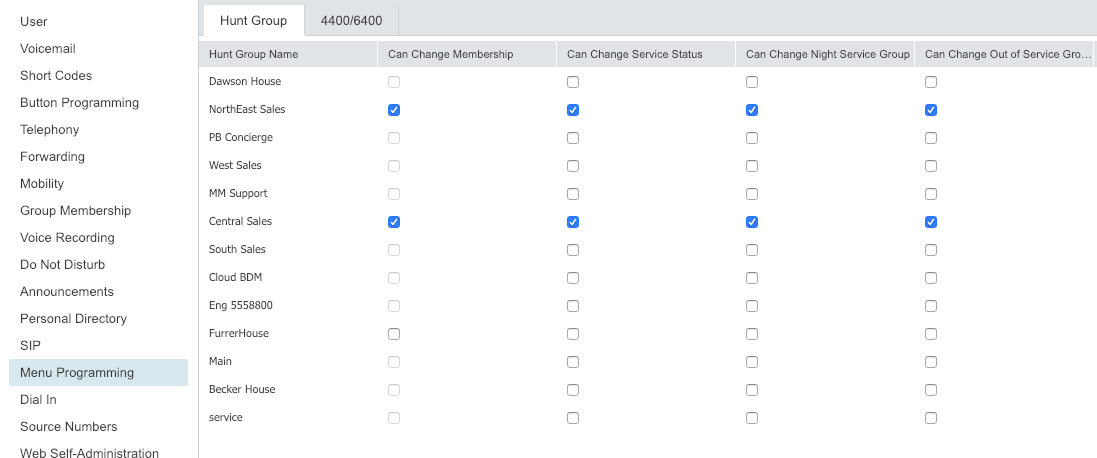
    Logging into Multiple Hunt Groups

    (This post is some info we found from Intrigant on the Tek-Tips…

  • IP Office

    SIP Remote Worker

    With SIP remote worker, there a re a few things that need…
  • Avaya IP Office Manager hard client
    IP Office

    Log into Administration for IP Office

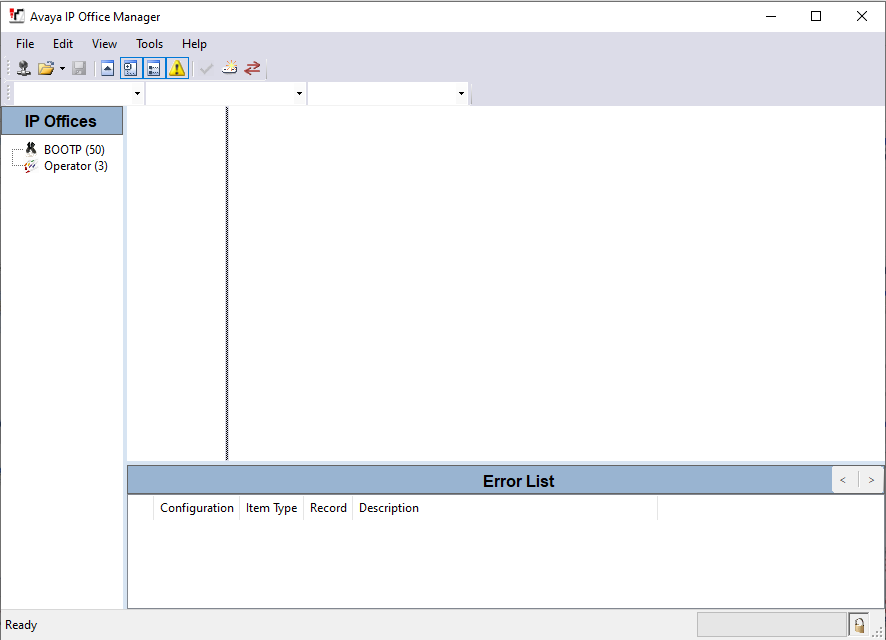
    To log in and connect to your IP Office system follow the…
  • IP Office

    My IP Office system is not on a network. How do I connect & log in?

    If your IP Office is not on a network and you wish…

  • IP Office

    IP office Remote Access Options

    The following are the Avaya recommended remote access options. • Remote Manager: Default…

  • IP Office

    Setting Up Hot-Desking on Avaya IP Office

    The Hot-Desking features of the Avaya IP office 500 system allow you…

  • IP Office

    How do i change the name of a phone in IP Office?

    Open Manager.(if you dont know, see Opening Manager Config) Click on Users.…

  • IP Office

    How do i open a config in IP Office?

    To do basic administration in IP Office, we would use a GUI…

  • IP Office

    How do I save Changes in IP Office Manager

    Click on the disk icon (3rd from left on toolbar). Click OK…

Book A Support Call Now!

Avaya IPO Support Site

Click Here

Sitemap

Graceful Theme by Optima Themes